Product Guide
Export
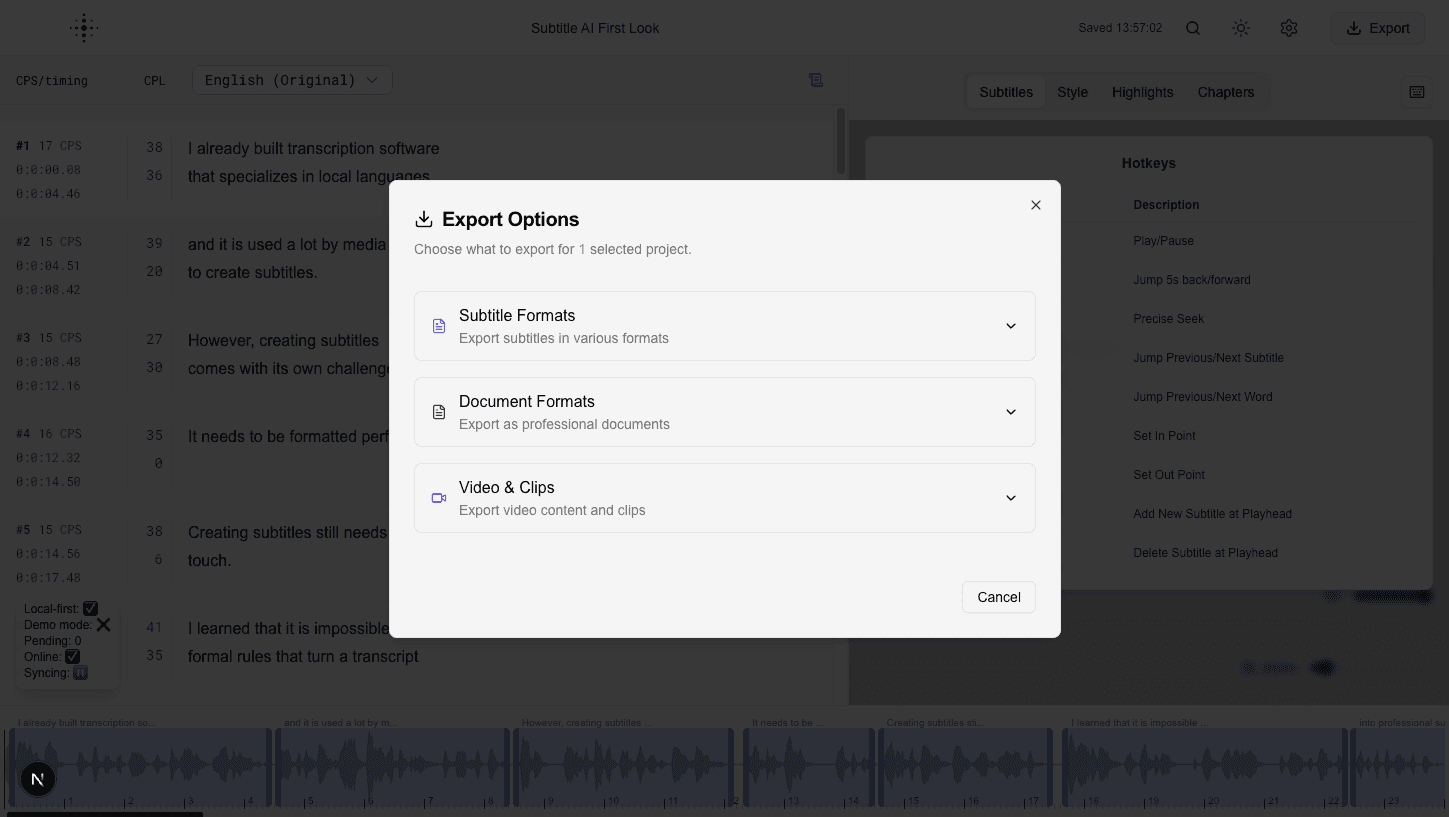
Export subtitles and related deliverables in the formats you need.
Once editing is complete, use Export to generate the output required by your publishing workflow.
Export options
- Subtitle files (multiple common subtitle formats).
- Document-style exports for review and approvals.
- Video or clip-based outputs (when applicable).
- Chapters and structured metadata exports.
Tips before exporting
- Check subtitle timing and spelling one last time.
- Verify style settings are correct for your target platform.
- Confirm language and translation selection. If the project has a clean version, make sure you export the one you want.
- Check the subtitle lead-in setting if your delivery spec asks for subtitles that appear before the speech.
From your own systems
Subtitle files can also be downloaded without opening the app, through the API: SRT, WebVTT, TTML, ASS and EBU-STL.
Screenshot