Product Guide
Highlights and Chapters
Create key moments and navigable chapters from your content.
Highlights and Chapters help turn long content into easier-to-consume experiences.
Highlights
Use highlights to mark important quotes or moments you want to reuse in clips, social posts, or summaries.
Chapters
Use chapters to break content into sections so viewers can jump directly to relevant parts.
Recommended workflow
- Finish subtitle timing first.
- Add highlights for key takeaways.
- Add chapter titles that describe each segment clearly.
Step-by-step: generate highlights with AI
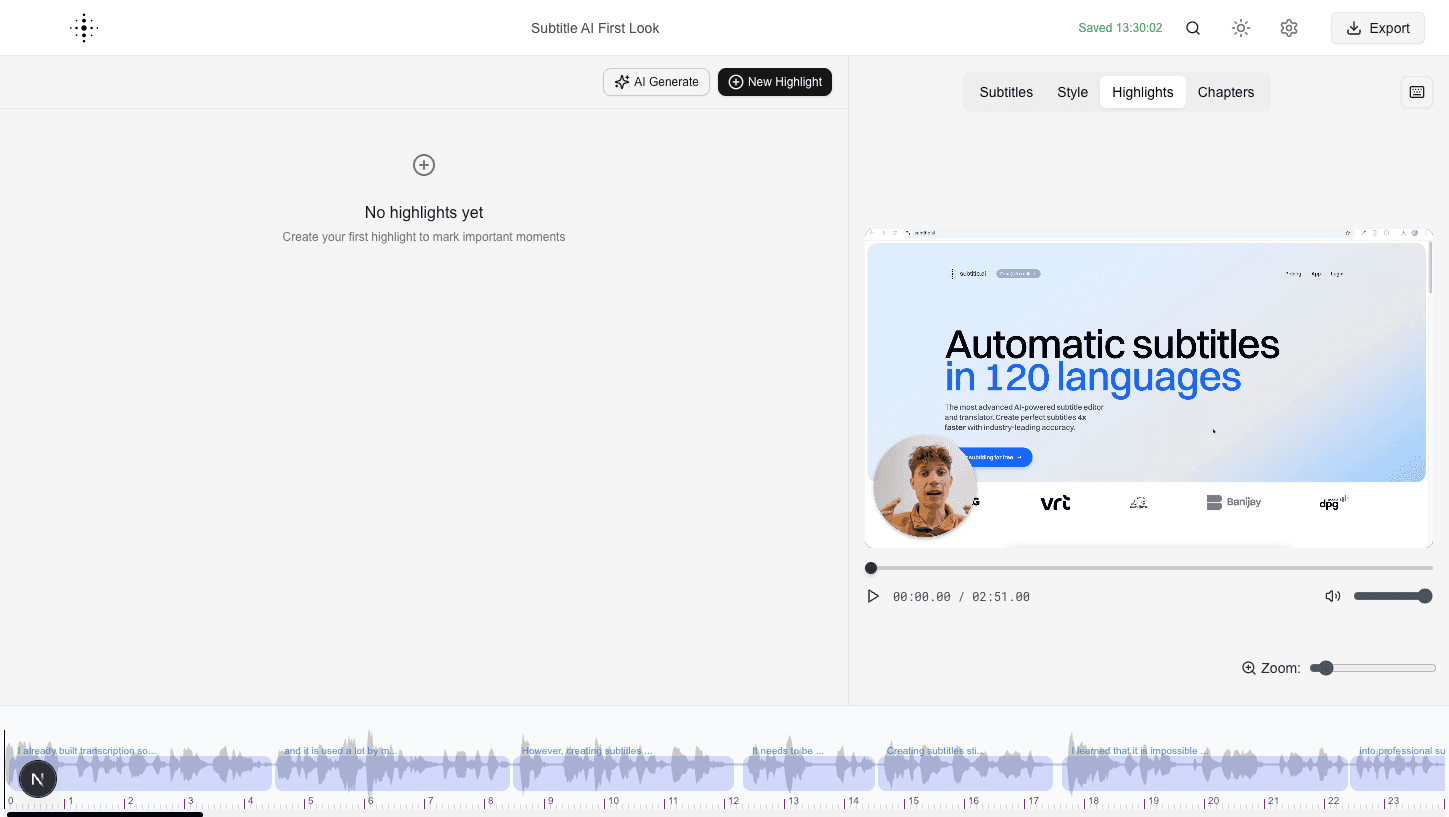
- Open the
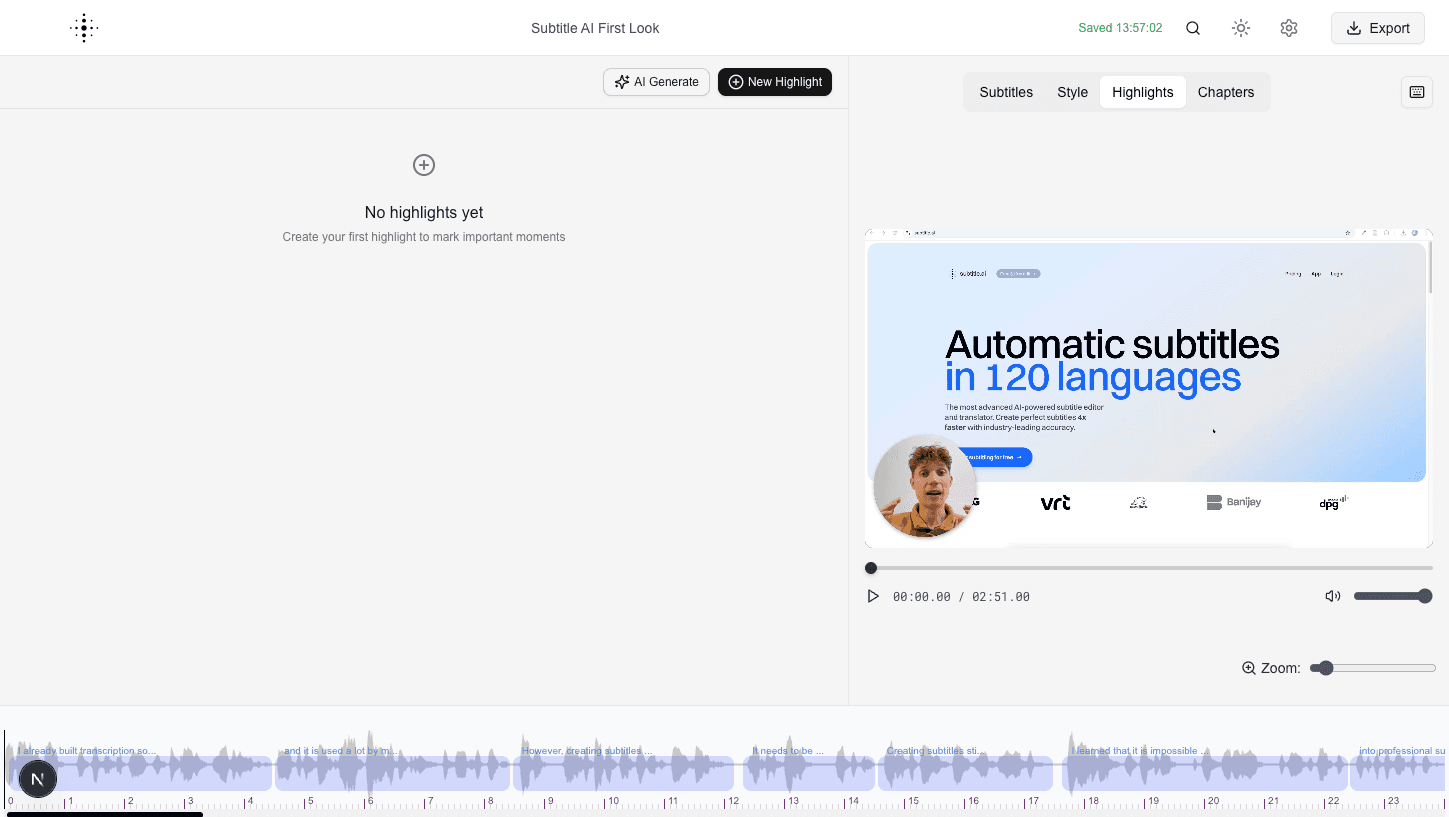
Highlightstab in the editor. - Click
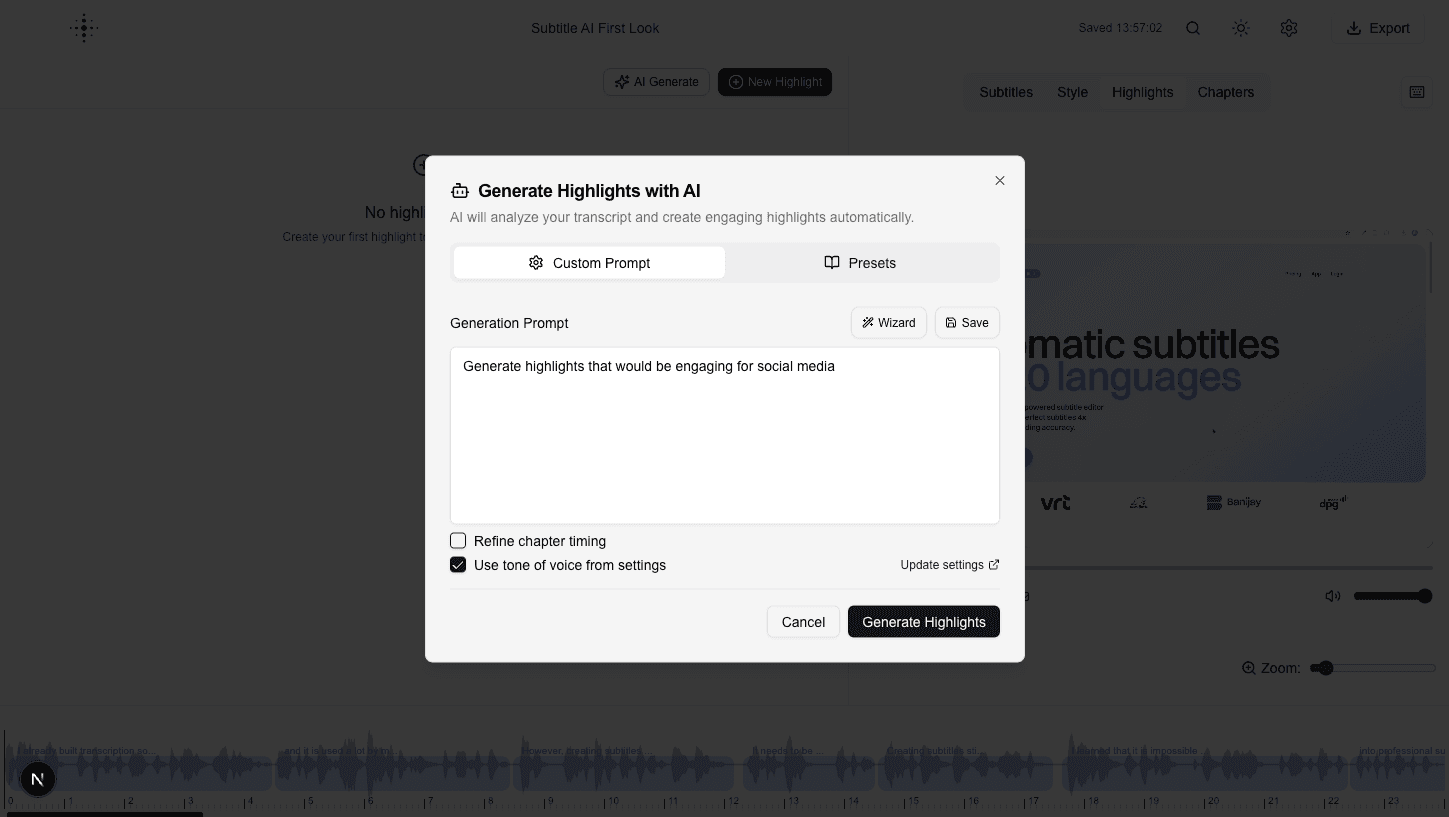
AI Generate. - Review or adjust the prompt.
- Click
Generate Highlights.
Additional view