Product Guide
Keyboard Shortcuts
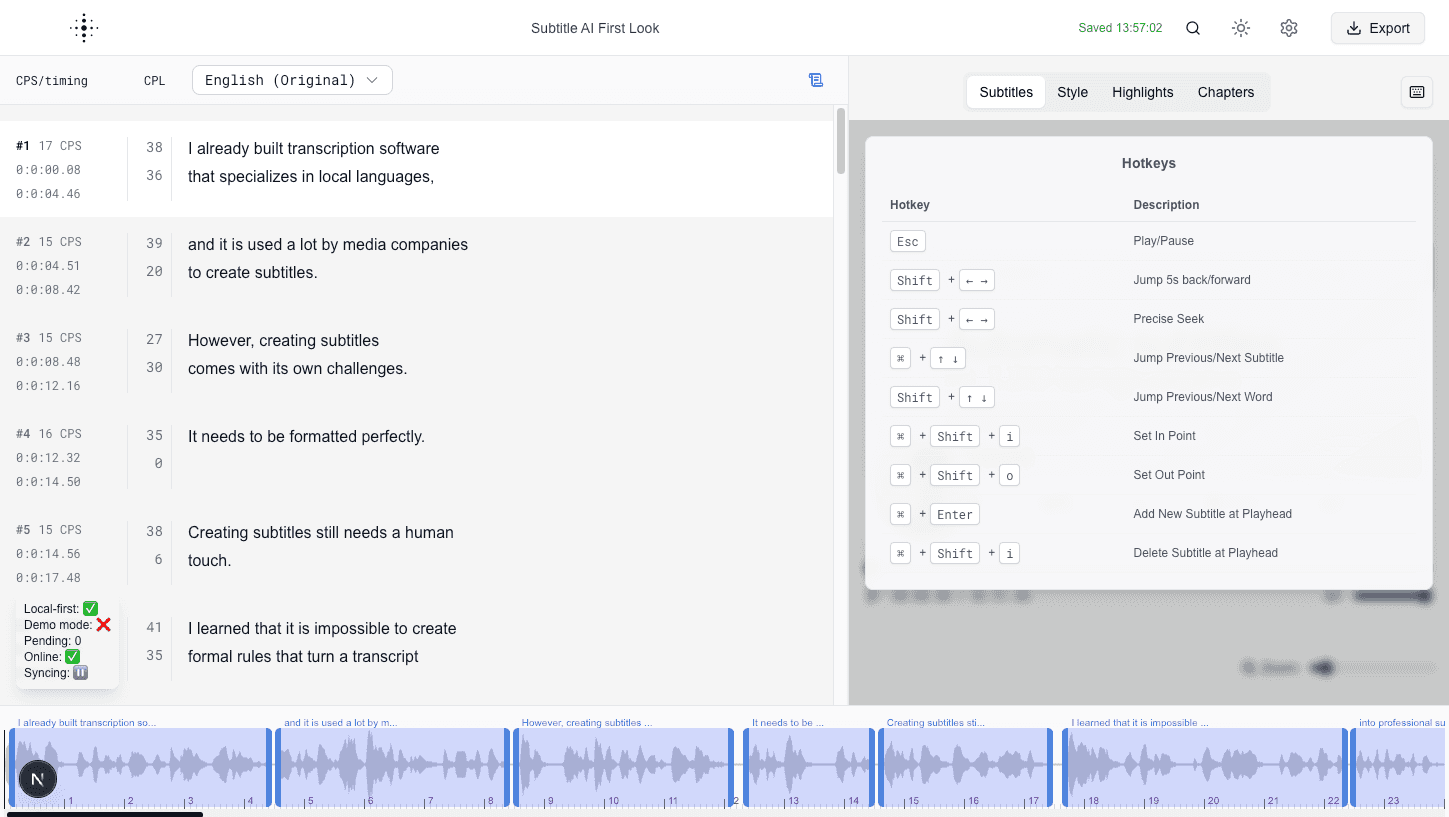
Speed up editing with built-in keyboard shortcuts.
Keyboard shortcuts help you move faster during subtitle editing and review.
Common shortcuts
- Play or pause media.
- Jump backward or forward by a fixed interval.
- Move to previous or next subtitle.
- Move to previous or next word.
- Set in and out points.
- Add or remove subtitle entries.
Usage advice
- Learn a small set of shortcuts first, then expand.
- Use shortcuts during review passes to reduce mouse movement.
Screenshot