Product Guide
Projects
Manage projects, folders, and uploads from one place.
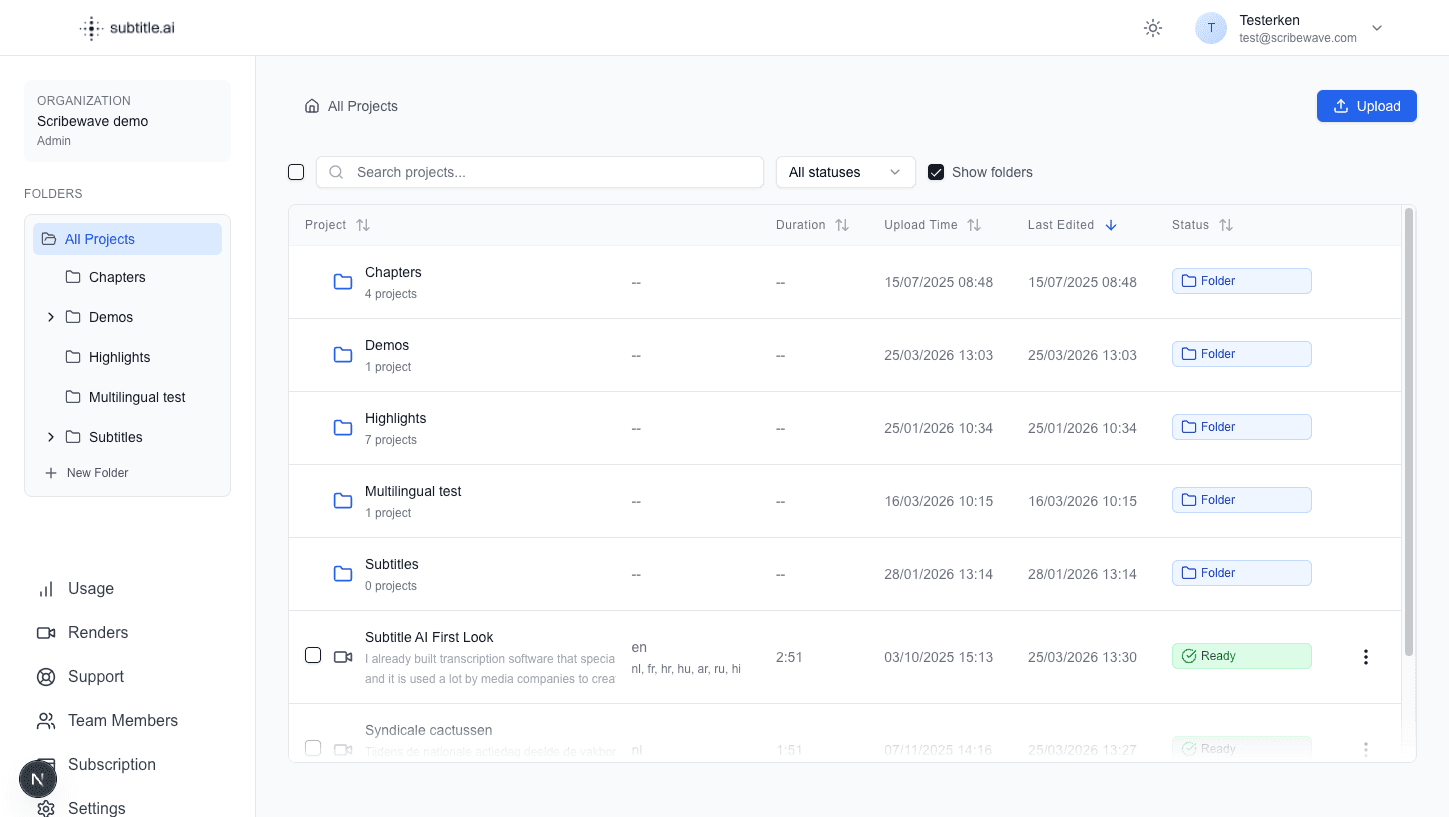
The Projects page is your workspace home. Use it to organize your files and jump back into editing quickly.
Common use cases
- Start a new project by uploading audio or video.
- Import existing subtitle files when you do not want to start from scratch.
- Keep client work separated with folders.
- Search and sort to find projects faster.
- Filter by To check or Approved to see what still needs review. See Review and approval.
- Open action menus for sharing, translating, exporting, moving, or deleting.
Best practices
- Use folder naming that matches your teams or customers.
- Keep finished projects archived to reduce clutter.
- Add clear project names so collaborators can find work quickly.
Screenshot