Product Guide
Editor
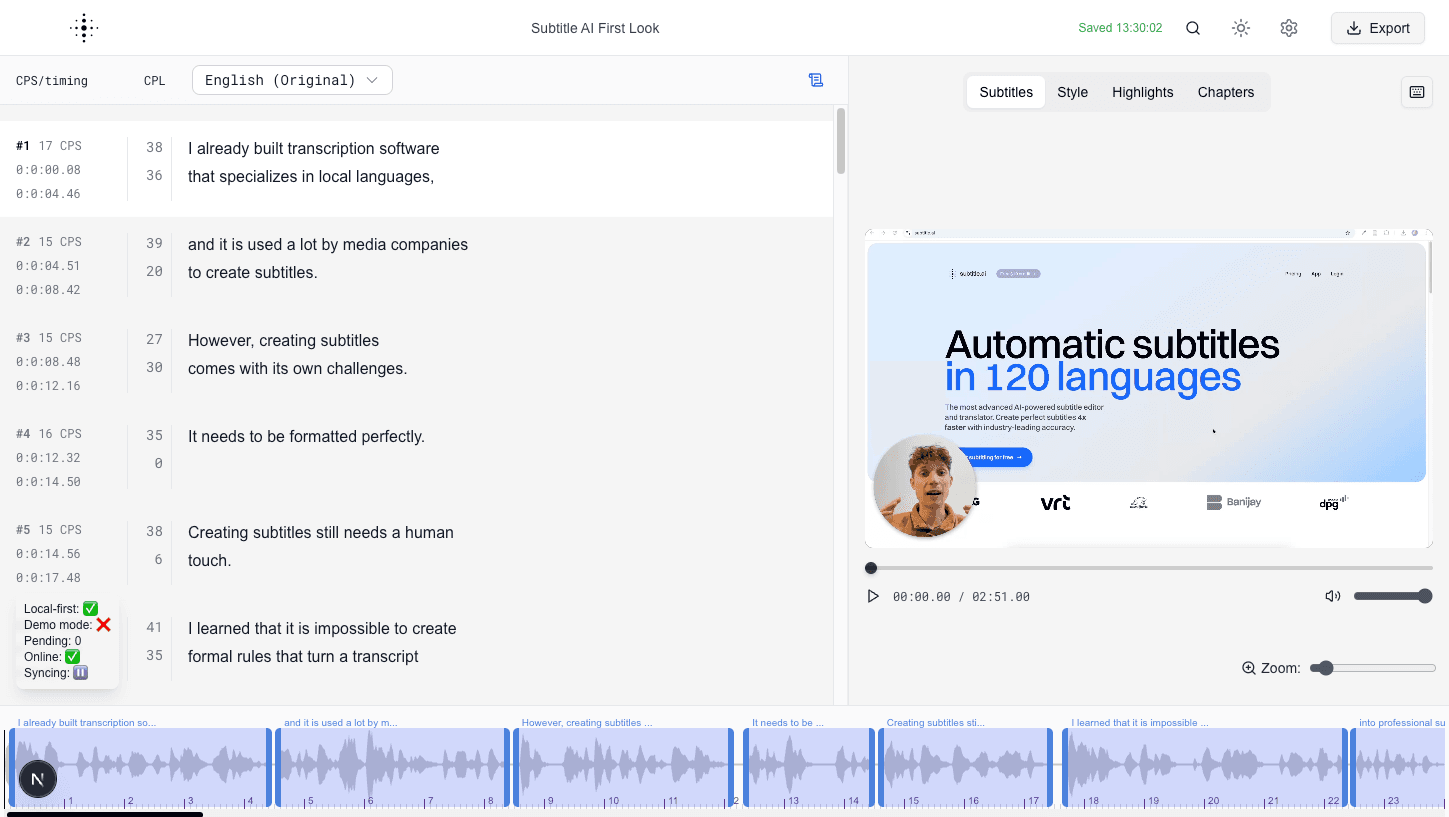
Edit subtitles while watching playback and navigating the timeline.
The Editor is where you spend most of your time. It combines playback and subtitle editing so you can make accurate changes quickly.
What you see
- A media player for frame-accurate review.
- A waveform/timeline area for timing context.
- A subtitle table for text and timing edits.
- Side panels for styling and content enhancements.
Typical workflow
- Play your media and pause at points that need fixes.
- Update subtitle text and timings.
- Translate to additional languages when needed.
- Switch to Style, Highlights, or Chapters as needed.
- Export once everything looks correct.
Screenshot